Mesh Wi-Fi, Demystified: How Many Nodes Does a Home Actually Need?
More nodes do not always mean better Wi-Fi. A simple way to work out what your home needs, and where each unit should go.

A single router in the corner of a house is asked to do something difficult: push a radio signal through walls, floors, appliances and people to reach every room. In many homes it simply cannot.
Mesh Wi-Fi solves that by spreading several smaller units around the house. The question everyone asks next is how many, and the answer is usually fewer than the box suggests.
What mesh actually is
A mesh system is a set of matching units, often called nodes or points. One connects to your modem. The others are placed around the home and relay the signal between them.
Unlike an old-style range extender, they share a single network name and hand your devices from one node to the next as you move. You should never have to think about which one you are connected to.
The rule of thumb
As a starting point, plan on one node for every 1,500 to 2,000 square feet of living space. Then adjust for how your home is built.
| Home | Typical starting point |
|---|---|
| Apartment or small home, up to about 1,500 sq ft | One good router, or a single node |
| Medium home, 1,500 to 3,000 sq ft | Two nodes |
| Large or multi-storey home, 3,000 to 4,500 sq ft | Three nodes |
| Very large or unusually built home | Four or more, ideally wired together |
Square footage is only half the story. What the signal has to pass through matters just as much.
What blocks Wi-Fi
Radio waves pass easily through air, timber and plasterboard. They struggle with dense or reflective materials.
- Brick, stone and concrete walls.
- Metal: appliances, radiators, foil-backed insulation.
- Water, including fish tanks and underfloor heating.
- Mirrors and tiled bathrooms.
- Floors between storeys, especially concrete ones.
An older home with thick internal walls may need three nodes where a modern open-plan home of the same size needs one.
Where to put them
The most common mistake is placing a node in the room with the bad signal. A node can only relay what it receives. If it sits in a dead zone, it repeats a weak, slow connection.
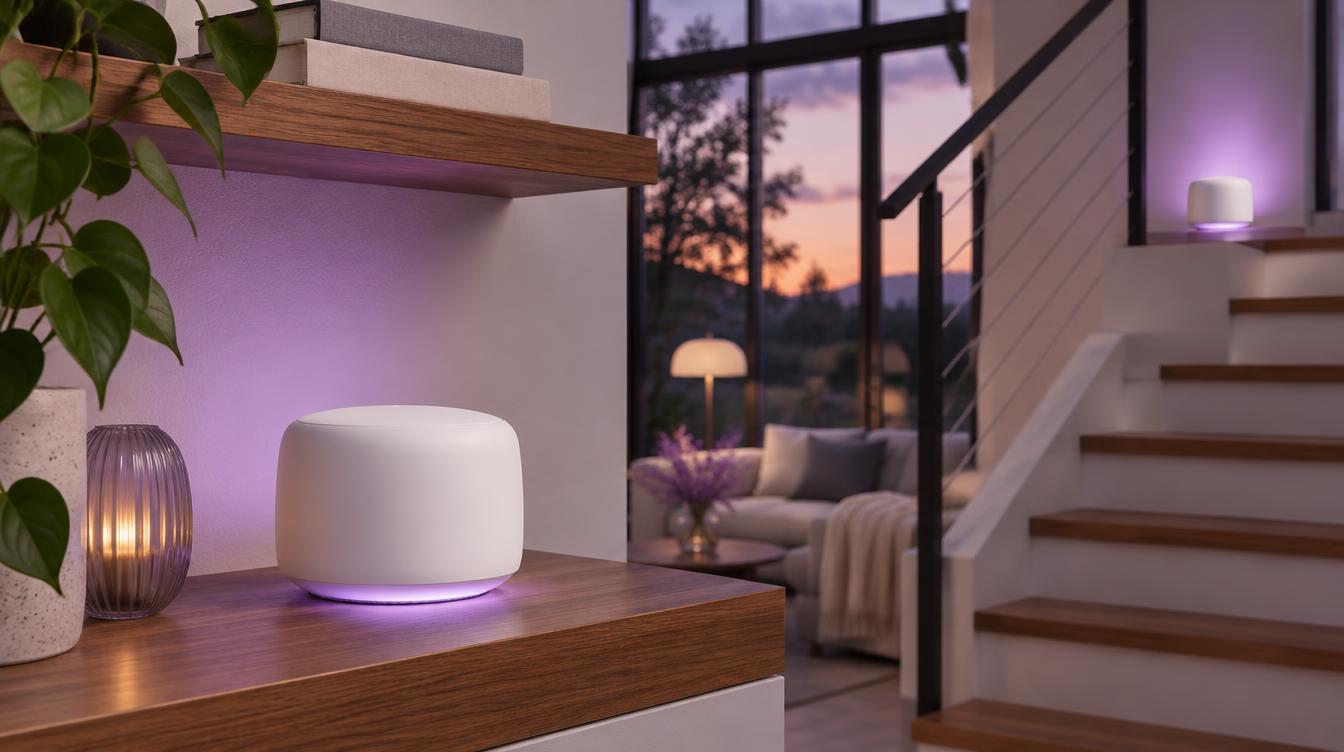
Place each node roughly halfway between the main unit and the area you want to cover, where the signal is still strong.
Do not put the node where the Wi-Fi is bad. Put it where the Wi-Fi is still good.
Keep nodes out in the open, at about table height or higher. A cupboard, the back of a television or the floor behind a sofa all weaken the signal noticeably.
Why more is not better
Every extra node adds another radio transmitting in your home. Too many, placed too close together, interfere with one another and confuse devices about which to use.
Start with the minimum your home is likely to need. Live with it for a week, then add a node only if a specific room is still poor.
Wired is always best
If your home has network cabling, or you can run a cable between floors, connect the nodes by wire. This is called wired backhaul, and it frees the wireless signal to serve your devices rather than talk between nodes.
Even one wired link, for example to a node on the top floor, can transform a difficult house.
Understanding the labels
Dual-band systems share their radios between your devices and the links between nodes. Tri-band systems add an extra band reserved for that link, which helps when the nodes are not wired.
Newer standards add speed and capacity, particularly in crowded homes. They only help if your phones and laptops support them too, so check before paying a premium.
Your internet plan is the ceiling
Mesh improves coverage. It cannot make your connection faster than the service you pay for. If the speed is poor right beside the main unit, the problem lies with the line or the provider, not the Wi-Fi.
Run a speed test next to the main node first. That number is the best any room can achieve.
Setting up
Most systems are configured through a phone app that walks you through each step and tests the placement of each node. Follow its advice. If it says a node is too far away, move it.
Give the network a single name, set a strong password and switch on automatic updates. Then leave it alone.
A realistic expectation
A well-placed mesh system should give you a usable signal in every room and a strong one where you work and watch. It will not deliver the full speed of your plan to the far end of the garden.
For most homes, two nodes placed with care will beat four placed at random. Start small, test honestly and add only what you need.