Password Managers: Why You Need One and How to Choose
Reusing passwords is the single most common way accounts are taken over. A password manager fixes it in an afternoon, and choosing one is simpler than it looks.

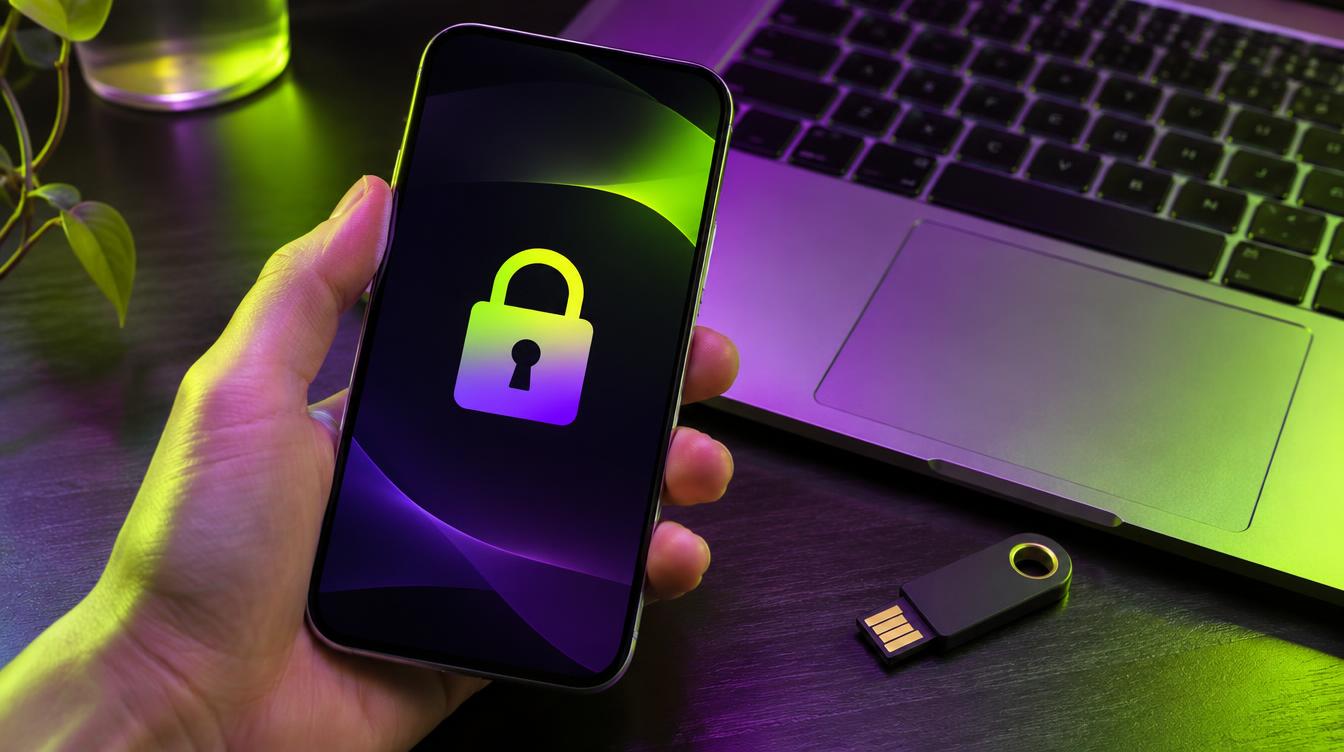
- A password manager creates and stores a different strong password for every account, so one breach cannot unlock the rest.
- You remember one long master password. Make it a passphrase of several random words and never reuse it.
- Turn on two-step verification for the manager itself and for your email.
Most people have well over a hundred online accounts and somewhere between three and ten passwords. The arithmetic is the problem.
When one website is breached, the stolen email and password pairs are tried automatically against banks, shops and email providers. If you have reused the password, the attacker is in. No skill is required. It is the most common way ordinary accounts are compromised, and a password manager is the cure.
What a password manager does
A password manager is an encrypted vault. It stores your logins, generates long random passwords for new accounts and fills them in for you on websites and in apps.
You unlock the vault with a single master password, or with a fingerprint or face scan on your phone. That is the only password you need to remember.
Why it is safer
Three things change the moment you start using one.
- Every account gets a unique password, so a breach at one site exposes nothing else.
- Passwords are long and random, which makes them impractical to guess.
- The manager only offers to fill a password on the genuine website it was saved for.
The last point is underrated. If a fake link takes you to a look-alike site, the manager will not recognise the address and will not fill in your details. That hesitation is a useful warning.
The strongest password is one you have never seen, cannot remember and never type.
How your data is protected
Reputable managers encrypt your vault on your own device before anything is sent to their servers. The key is derived from your master password, which the company never receives.
This design is often called zero knowledge. It means that even if the provider's servers were breached, the attacker would hold encrypted data that is useless without your master password.
It also means the provider cannot recover your vault if you forget that password. This is a feature, and it needs planning for.
Choosing a master password
The master password protects everything, so it should be long, unique and memorable to you alone.
The best approach is a passphrase: four or five unrelated words, chosen at random. It is far easier to remember than a jumble of symbols and much harder to crack than a short complex password.
Never use it anywhere else. Write it down once, on paper, and keep the paper somewhere secure at home until you are sure you know it.
Add two-step verification
Two-step verification asks for a second proof, usually a code from an app on your phone, when you sign in on a new device. Turn it on for the password manager and for your main email account.
| Method | Security | Convenience |
|---|---|---|
| Text message code | Better than nothing | Easy |
| Authenticator app | Strong | Easy once set up |
| Hardware security key | Strongest | Needs the key with you |
| Passkey | Strong and phishing-resistant | Very easy on supported sites |
What about passkeys?
Passkeys are a newer way to sign in that replaces the password altogether. Your device proves who you are with a cryptographic key, unlocked by your fingerprint, face or device PIN.
They cannot be reused, guessed or phished. Many password managers now store passkeys alongside passwords, so the two will coexist for years. Use a passkey wherever a site offers one.
What to look for
Password managers differ less than their marketing suggests. A short list of requirements is enough.
- Works on every device and browser you use.
- Encrypts on your device, with a clearly explained security design.
- Has been examined by independent security auditors, with published results.
- Offers two-step verification and passkey support.
- Lets you export your data, so you can leave.
- Provides a recovery method and emergency access for a trusted person.
Look also at how the company has handled past security incidents. A clear, prompt and detailed public account is a good sign.
Free or paid?
Several good managers have free plans, sometimes limited to one device type or without sharing. Paid plans typically cost a few dollars a month and add family sharing and extra features.
The browser and phone you already own include a free manager too. It is a perfectly reasonable place to start, especially if you stay within one company's devices.
Setting up in an afternoon
Install the manager on your computer and phone, create the master password and turn on two-step verification. Save the recovery code somewhere safe.
Then let the manager capture logins as you use them. There is no need to enter everything on day one.
Start by changing the passwords that matter most: your main email, your bank, your phone account and any shop that stores your card. Email comes first, because whoever controls it can reset almost everything else.
Sharing safely
Sending a password by text or email leaves a permanent copy in two inboxes. Managers let you share a login with a partner or family member inside the vault, and withdraw access later.
Family plans usually include a shared folder for household accounts, which removes a surprising amount of daily friction.
Plan for emergencies
Decide what happens if you lose your phone, or if someone needs access to your accounts in an emergency. Most managers offer an emergency access feature that lets a trusted person request entry after a waiting period.
Keep your recovery code and a note of your master password in a sealed envelope with your important documents.
The mistakes to avoid
Do not reuse the master password. Do not skip two-step verification. Do not keep a copy of your passwords in a note or spreadsheet as well, which undoes the protection.
And do not wait for a breach to start. Setting up takes an afternoon. Recovering a stolen email account can take weeks.
The short version
Pick a well-regarded manager, protect it with a long passphrase and two-step verification, and let it generate a different password for everything.
It is the rare security measure that makes life easier as well as safer.
Frequently asked questions
Are password managers safe?
Reputable password managers encrypt your data on your device before it is stored, so the provider cannot read it. No system is risk-free, but using a well-regarded manager with a strong master password and two-step verification is far safer than reusing passwords or keeping them in a document.
What happens if I forget my master password?
With most managers, the provider cannot reset it for you, because they never hold it. Set up the recovery options offered, such as a recovery code or emergency contact, and store the recovery details somewhere safe offline.
Is the password manager built into my browser good enough?
Built-in managers are far better than reusing passwords and are convenient. Dedicated managers usually work across every browser and device, offer secure sharing and emergency access, and include tools that flag weak or reused passwords.